

Key Takeaways
- Two-factor authentication requires two separate proofs of identity to log in, not just a password.
- Even a stolen password is largely useless to an attacker if 2FA is enabled on your account.
- SMS text codes are convenient but slightly less secure than authenticator apps or hardware keys.
- Most major platforms - email, banking, social media - offer 2FA and it takes just minutes to set up.
- Using 2FA is one of the single most effective steps you can take to protect your accounts.
Two-Factor Authentication (2FA)
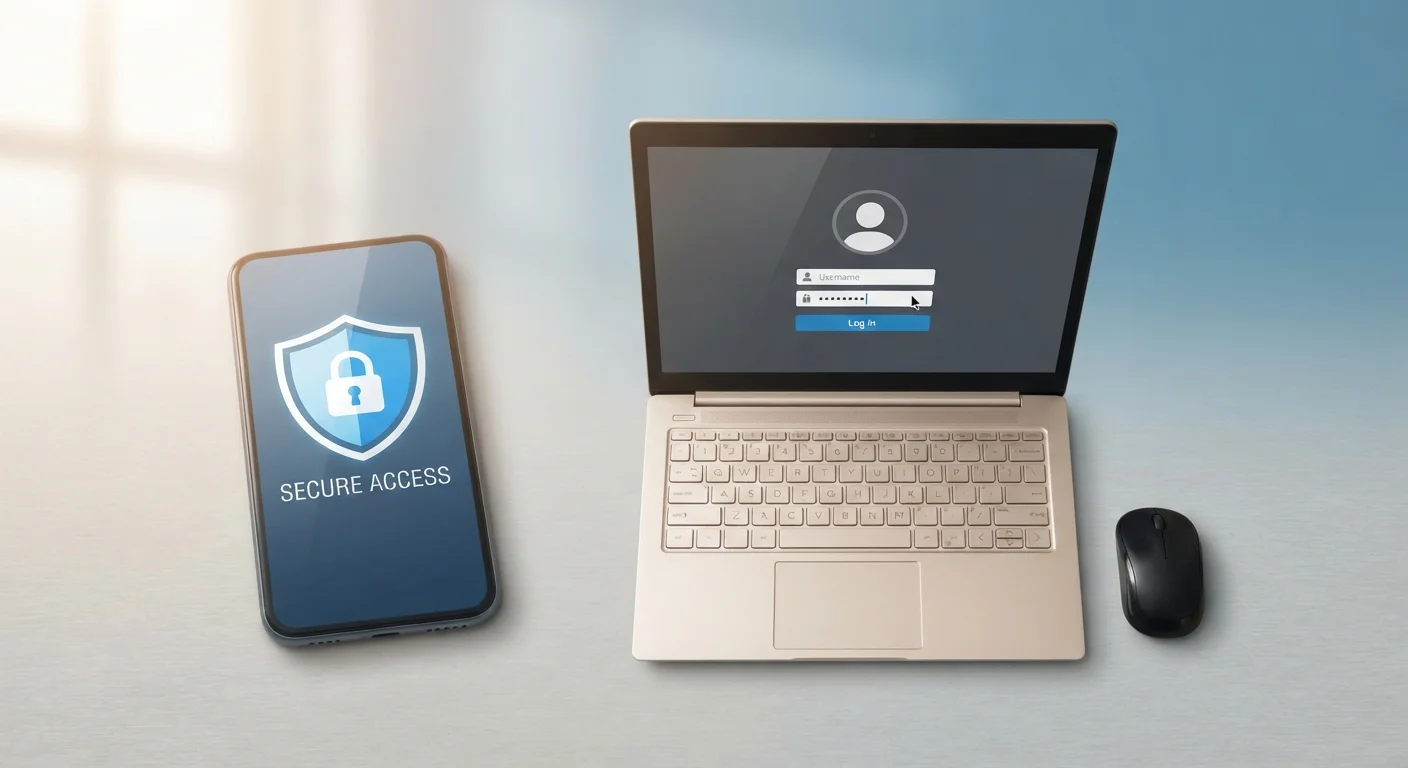
Two-factor authentication - often called 2FA - is a security feature that requires you to prove your identity in two separate ways before logging into an account. Instead of just entering a password, you also provide a second piece of evidence, like a code sent to your phone. This makes it much harder for someone else to access your account, even if they know your password.
The two factors typically come from distinct categories: something you know (a password), something you have (a phone or hardware key), or something you are (a fingerprint). Combining categories is what makes 2FA stronger than a longer password alone.
The Simple Idea Behind Two-Factor Authentication
Think of your front door. A deadbolt alone is decent protection, but adding a chain lock or a security camera makes it meaningfully harder for an intruder to get through. Two-factor authentication works on the same principle for your online accounts.
When you log in with only a password, you're relying on one line of defense. If someone else learns that password - through a data breach, a phishing email, or even a lucky guess - they walk right in. Two-factor authentication (2FA) requires a second proof of identity before access is granted. Even if an attacker has your password, they're stopped cold without that second factor.
This is why security professionals consistently rank 2FA among the most impactful steps everyday people can take to protect themselves online. It fits neatly into a broader approach to digital safety - one that also includes strong password habits. See our guide to password managers vs. writing passwords down for more on that side of the equation.
99.9%
Of automated account attacks blocked by MFA
Microsoft has reported that enabling multi-factor authentication blocks the vast majority of automated credential-stuffing and password-spray attacks.
~50%
Of Americans who have enabled 2FA
Survey data from security researchers consistently shows roughly half of U.S. internet users have activated two-factor authentication on at least one account, leaving many still unprotected.
81%
Of hacking-related breaches involve stolen passwords
The Verizon Data Breach Investigations Report has repeatedly found that the large majority of hacking incidents exploit weak, reused, or stolen credentials - the exact gap 2FA is designed to close.
The Three Types of Second Factors
Not all second factors are the same. They generally fall into three categories:
- Something you have - a phone that receives a text code, or an authenticator app that generates a temporary number.
- Something you know - a PIN or a secondary passphrase (distinct from your main password).
- Something you are - a fingerprint or face scan used as a second check after a password.
The most common form most people encounter is a six-digit code sent via text message or generated by an app like Google Authenticator or Authy. You enter your password, then enter that code, and you're in.
Use an Authenticator App When You Can
If a service offers the option, choose an authenticator app over SMS text codes as your second factor. Apps like Google Authenticator or Authy generate codes on your device without relying on your cellular carrier, removing one potential vulnerability. The setup takes only a couple of extra minutes and is well worth it for high-value accounts like email or banking.
Hardware security keys - small physical devices you plug into a USB port or tap to your phone - represent the most secure form of 2FA available, though they're generally used by people with elevated security needs rather than the average consumer.
How It Works in Practice
Setting up 2FA typically takes under five minutes. You navigate to the security settings of an account, choose a second factor method, and verify it once to confirm everything is working. After that, the process becomes routine: enter your password, receive or retrieve a code, enter it, done.
The codes generated by authenticator apps expire quickly - usually within 30 seconds - so even if someone intercepts one, it's useless almost immediately. This time-sensitive design is a core part of what makes 2FA effective.
For a fuller picture of account security vulnerabilities and warning signs, our article on signs your account has been compromised walks through what to watch for and how to respond quickly.
Where to Start and What to Prioritize
You don't need to enable 2FA on every account at once. Start with the accounts where a breach would cause the most damage:
- Your primary email account - this is often used to reset passwords on other services, making it the highest-value target.
- Financial accounts - banking, investment platforms, and payment apps.
- Social media accounts - especially any tied to your real identity or business.
- Cloud storage - services that hold your photos, documents, or backups.
Each platform handles 2FA slightly differently, but most walk you through setup in their security or privacy settings. Look for terms like "Two-Step Verification," "Login Verification," or "Multi-Factor Authentication" - these all refer to the same core concept.
“Turning on two-factor authentication is the single most important thing you can do to protect your accounts, beyond having a strong password. It stops the vast majority of unauthorized access attempts cold.”
— Cybersecurity and Infrastructure Security Agency (CISA), U.S. Federal Cybersecurity Agency - public consumer guidance
Understanding what everyday habits leave accounts exposed is just as valuable as knowing how to protect them. Our piece on habits that make accounts easy to hack covers the behaviors worth changing. And if you want a comprehensive look at the full picture of online safety, the complete digital safety overview is a strong place to continue.
This article is for general informational purposes only and does not constitute professional security or legal advice.