

Key Takeaways
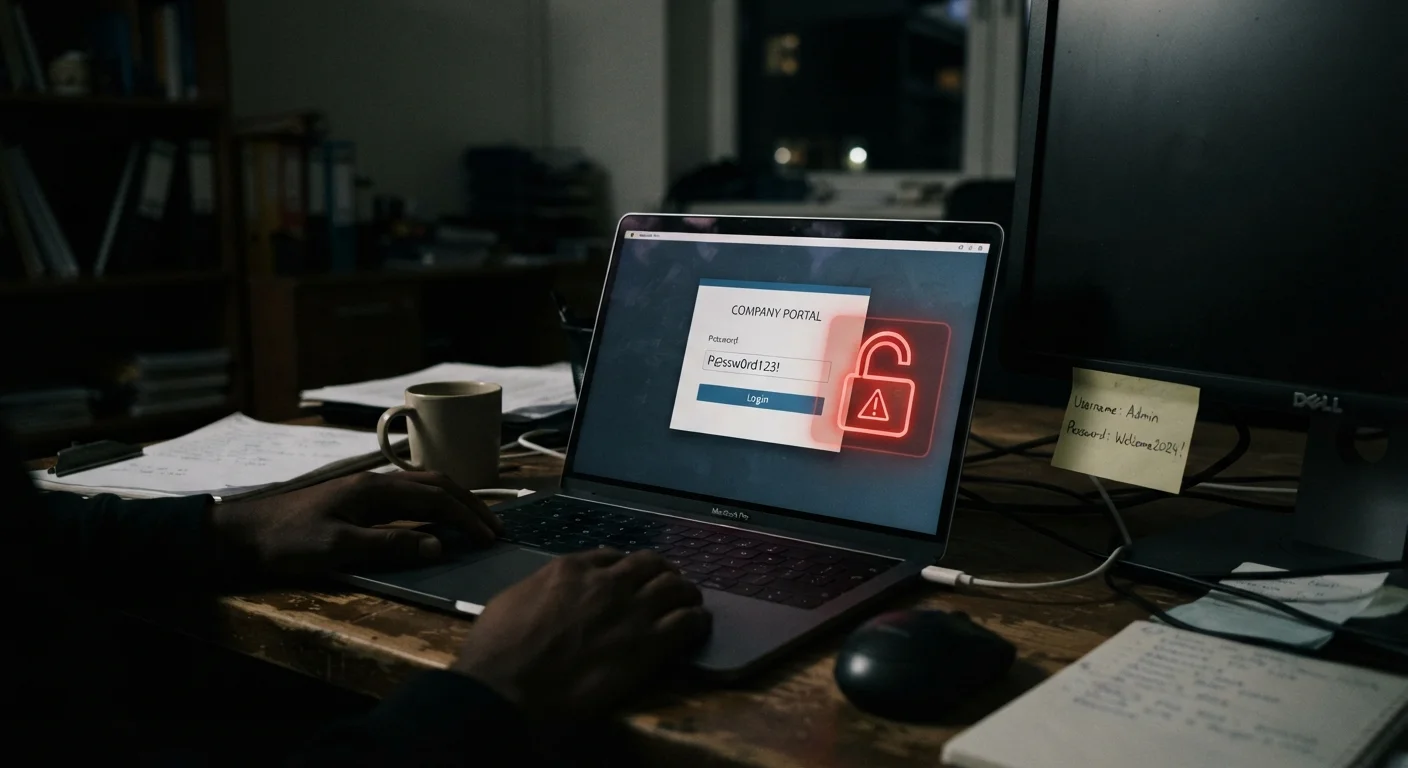
- Reusing the same password across accounts is one of the most exploited vulnerabilities attackers rely on.
- Skipping two-factor authentication leaves accounts protected by only one barrier that can be stolen or guessed.
- Oversharing personal details online gives attackers ready-made answers to security questions.
- Ignoring software updates delays patches for known security flaws that hackers actively target.
- Public Wi-Fi without a VPN can expose your login credentials to anyone on the same network.
Why Everyday Habits Create Serious Vulnerabilities
Most account breaches don't happen because of sophisticated, movie-style hacking. They happen because of predictable, avoidable habits - behaviors that feel harmless in the moment but quietly stack up into real risk. Understanding what those habits are is the first step toward breaking them.
For a broader view of how accounts, devices, and data all connect, see the complete digital safety overview - it's a useful starting point for anyone building better security habits from scratch.
Reusing the same password across multiple accounts.
Why it happens: Creating and remembering a unique password for every account feels overwhelming, so most people default to one or two familiar passwords used everywhere.
Skipping two-factor authentication (2FA) because it feels like an extra step.
Why it happens: 2FA adds a few seconds to the login process, and many people assume their password alone is sufficient protection.
Oversharing personal information on social media and public profiles.
Why it happens: Sharing birthdays, pet names, hometowns, and family details feels social and harmless, not like a security risk.
Ignoring software and app update notifications.
Why it happens: Updates interrupt whatever you're doing, and the connection between "install update" and "stay secure" isn't always obvious.
Using public Wi-Fi for sensitive tasks without a VPN.
Why it happens: Free public Wi-Fi feels convenient and harmless, especially in familiar places like coffee shops or airports.
Using weak or guessable passwords built around personal details.
Why it happens: Passwords like a pet's name, a birth year, or a favorite team are easy to remember - which also makes them easy to guess or crack with basic tools.
The Habits That Attackers Count On
Bad actors often don't need to crack anything - they just need you to have made one of these common mistakes. The good news is that each one has a straightforward fix.
80%+
Of breaches tied to weak or stolen passwords
According to Verizon's Data Breach Investigations Report, the overwhelming majority of hacking-related breaches involve compromised credentials.
65%
Of people reuse passwords across accounts
Security surveys consistently find that a majority of users admit to recycling passwords, dramatically amplifying the damage of any single breach.
If you want to go further, the annual digital security checklist walks you through exactly what to review once a year to catch gaps before they become problems. And if you're still unclear on two-factor authentication, this plain-language explainer covers how it works and why it matters.
One Breached Account Can Unlock Many More
When attackers obtain a username and password from one data breach, they routinely test those same credentials against dozens of other services - a technique called "credential stuffing." If you reuse passwords, a breach at one site can cascade into access across your email, banking, and social accounts. Unique passwords for every account is the single most effective way to contain this kind of damage.
Scam tactics are also worth understanding alongside these habits. Phishing, smishing, and vishing are designed to exploit the exact same vulnerabilities described here - particularly weak passwords and a lack of account verification habits.