
Phishing, Smishing, and Vishing: The Three Scam Tactics Targeting Americans Right Now

| Phishing delivery channel | |
| Smishing delivery channel | SMS / text message |
| Vishing delivery channel | Phone call (voice) |
| Common attacker goal | Steal credentials, money, or device access |
| Caller ID reliability | Not reliable - numbers can be spoofed |
| Top impersonated entities | Banks, IRS, SSA, package carriers, tech support (Federal Trade Commission consumer reports) |
Three Channels, One Goal
Scammers don't rely on a single trick. They've built an entire playbook around three delivery channels - email, text message, and phone calls - each designed to catch you off guard in a different moment of your day. Knowing how each one works is the most practical defense you have.
| Phishing delivery channel | |
| Smishing delivery channel | SMS / text message |
| Vishing delivery channel | Phone call (voice) |
| Common attacker goal | Steal credentials, money, or device access |
| Caller ID reliability | Not reliable - numbers can be spoofed |
| Top impersonated entities | Banks, IRS, SSA, package carriers, tech support (Federal Trade Commission consumer reports) |
These aren't fringe threats. The Federal Trade Commission consistently reports that imposter scams - where a criminal pretends to be a trusted entity - rank among the most common fraud types reported by Americans. The tactics below are the engine behind most of those reports.
For a deeper look at the psychology that makes these scams effective even on careful people, see how social engineering works.
Phishing: The Email Trap
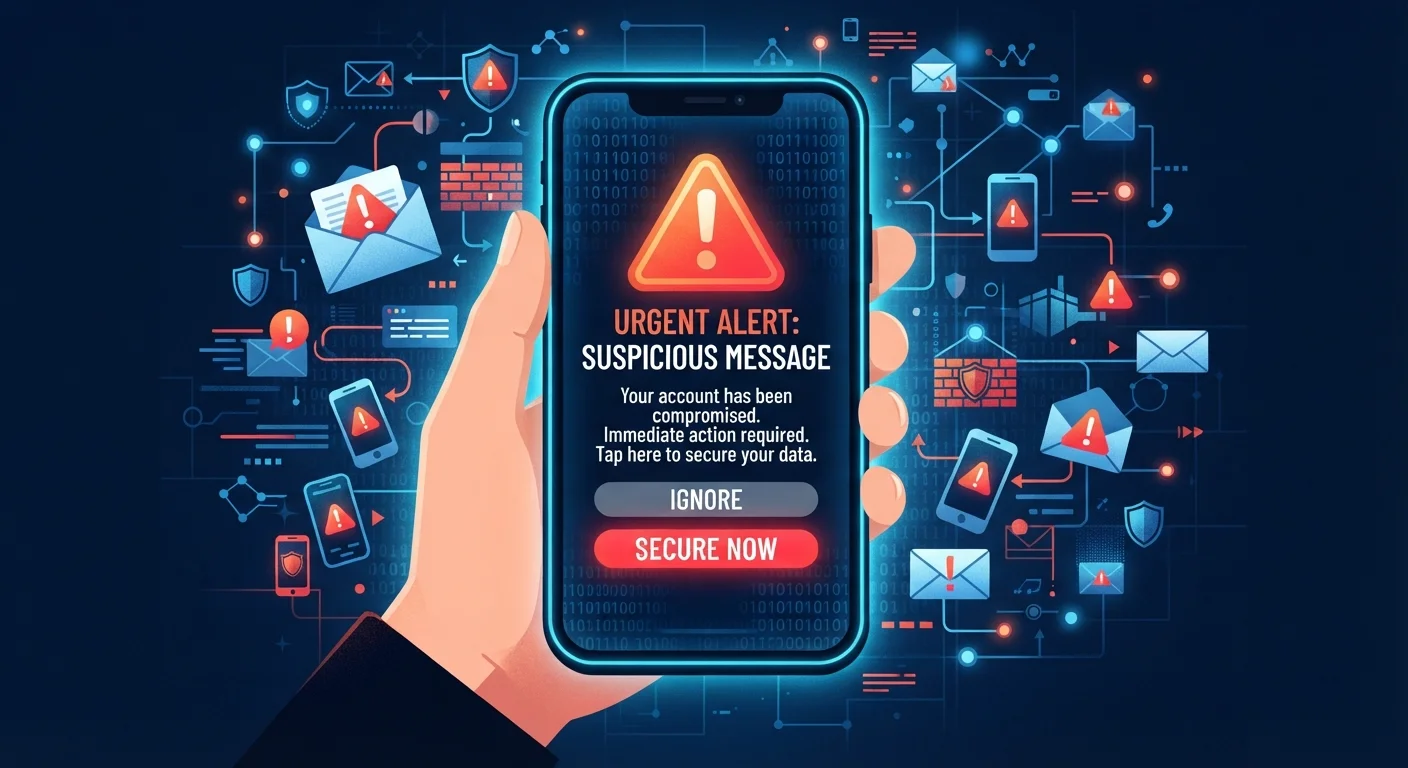
Phishing (pronounced "fishing") is the original digital con. A scammer sends an email that appears to come from a legitimate source - a bank, a delivery company, a government agency, or even a coworker - and asks you to click a link or open an attachment.
That link typically leads to a fake login page designed to steal your username and password. The attachment may install malicious software on your device. The email itself is crafted to create urgency: "Your account will be suspended," "Unusual sign-in detected," or "Action required immediately."
Red flags to watch for:
- The sender's email address doesn't match the company's actual domain (e.g.,
support@paypa1-secure.cominstead ofpaypal.com) - Generic greetings like "Dear Customer" rather than your name
- Links that, when hovered over, show a different URL than what's displayed
- Requests for passwords, Social Security numbers, or payment details via email
Legitimate organizations virtually never ask for sensitive credentials through email. When in doubt, go directly to the organization's official website by typing the address yourself - don't click any link in the message.
Smishing: The Text Message Con
Smishing combines "SMS" (text message) and "phishing." It works on the same principle as email phishing but exploits the fact that many people are less guarded when reading texts than emails.
Why Texts Feel More Trustworthy
Research on communication habits suggests people tend to read and respond to texts faster than emails, often within minutes. Scammers know this and exploit the sense of immediacy that text messages carry. A message arriving in your personal SMS inbox can feel more personal and urgent than the same message in an email - which is exactly the reaction attackers count on. Pausing before tapping any link in a text is especially important.
Common smishing scenarios include fake package delivery notifications ("Your USPS package requires action"), bank fraud alerts, and prize or giveaway notifications. The message contains a shortened or disguised link that leads to a credential-harvesting site - or, in some cases, a site that attempts to install tracking software on your phone.
Because smartphones don't make it easy to preview where a link actually leads, smishing links can be harder to scrutinize than email links. A general rule: if you didn't initiate the conversation and a text is asking you to click something or provide information, treat it as suspicious by default.
For broader smartphone safety habits, cell phone security habits that actually protect your data covers practical steps worth building into your routine.
Vishing: The Phone Call Scheme
Vishing - "voice phishing" - happens over the phone. A caller impersonates a trusted institution: the IRS, Social Security Administration, your bank's fraud department, or even tech support. Unlike email or texts, a live voice creates immediate pressure and can feel far more convincing.
$1.1B+
Lost to imposter scams in a single year
According to Federal Trade Commission data, imposter scams - the category covering most vishing attacks - consistently rank as one of the costliest fraud types reported by American consumers.
1 in 3
Americans targeted by phone scams annually
Industry research from telecommunications fraud monitoring organizations suggests roughly one in three American adults receives at least one suspected scam call per year.
Callers often use spoofing - technology that makes your caller ID display a legitimate-looking number, like a government agency's real phone number. This is why caller ID alone is not reliable verification.
Common vishing scripts include: warnings that your Social Security number has been "suspended," claims that your bank account shows suspicious activity, or offers to fix a virus on your computer. All lead toward one outcome - you handing over personal information, sending money, or granting remote access to your device.
If you receive an unexpected call from any organization asking for sensitive information, hang up and call the organization back using a number from their official website. Never call back a number the caller gave you.
If you've already responded to any of these tactics, signs your account has been compromised can help you assess next steps quickly.
Quick Reference: Spot the Difference
Phishing
A scam delivered via email where an attacker impersonates a trusted entity to trick you into revealing credentials or clicking a malicious link.
Smishing
A phishing attack conducted through SMS text messages, often using fake delivery alerts or bank notices to lure victims to harmful links.
Vishing
Voice phishing - a phone-based scam where a caller impersonates a legitimate organization to extract personal information or payments.
Spoofing
A technique that makes a phone call or email appear to come from a trusted number or address, even though it originates from a scammer.
Imposter Scam
Any fraud where the attacker pretends to be someone the victim trusts - a bank, government agency, or familiar company - to extract money or information.
Credential Harvesting
The act of tricking someone into entering their login details on a fake website so the attacker can capture and misuse those credentials.
All three scam types share a common weakness from the attacker's perspective: they depend entirely on your response. Slowing down - even for 30 seconds - before clicking, replying, or providing any information is the single most effective defense available to anyone, regardless of technical background.
Understanding the habits that make accounts easy to hack can also help you close gaps these scammers routinely exploit.