

Key Takeaways
- Smart speakers use a low-power local processor to detect only the wake word before sending any data.
- Audio is not continuously streamed to the cloud - only clips triggered after the wake word are transmitted.
- False activations do happen, and understanding them helps you take meaningful privacy steps.
- You can review, manage, and delete your voice history through your device's companion app.
How Wake Word Detection Actually Works
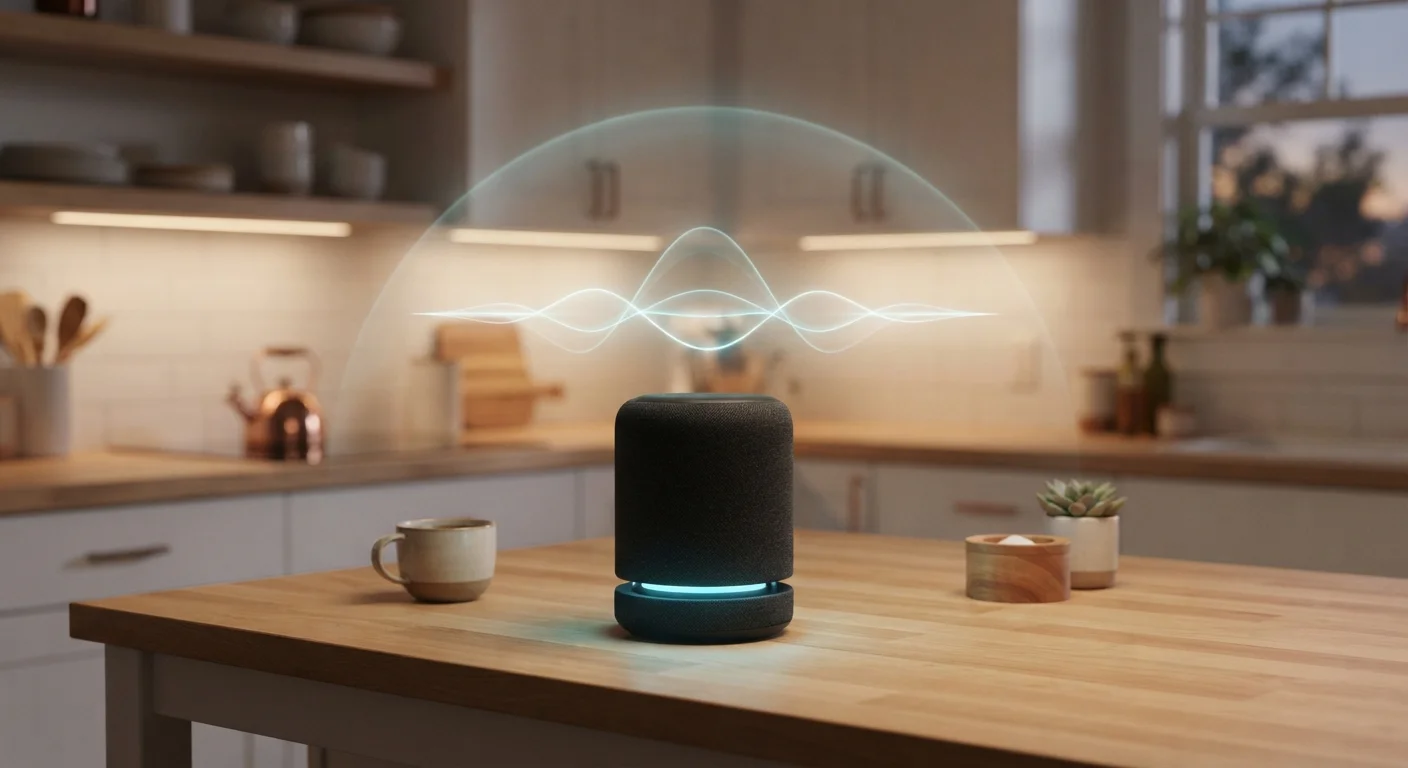
Most people assume their smart speaker is recording everything and beaming it to a server farm somewhere. The reality is more layered - and frankly, more interesting. Smart speakers contain a small, dedicated chip that runs a lightweight model trained to recognize one specific phrase: the wake word. This chip operates locally, entirely on the device, and processes audio in a tiny rolling buffer without ever sending that audio anywhere.
Only after the wake word is detected does the device activate its microphone fully, record your command, and transmit that short audio clip to the cloud for processing. Think of it like a security guard who only opens the door when they hear the correct knock - everything before that knock stays inside.
This two-stage approach is deliberately designed to limit data exposure, not just to protect your privacy, but because continuously streaming audio to servers would drain your Wi-Fi, cost the manufacturer enormous bandwidth, and drain your device's power. Practicality and privacy align here. If you're thinking about adding more voice-enabled devices to your home, this planning checklist covers privacy settings and network considerations worth reviewing first.
Common Myths - Corrected
Misconceptions about smart speakers are widespread, and some are more damaging than others. The myth-fact pairs below address the most common ones, based on how these devices are publicly documented to function.
Myth
My smart speaker is recording everything I say, all day long.
Fact
The device only records and transmits audio after detecting the wake word - not before.
The always-on chip listening for the wake word operates locally and does not record or store audio. It processes sound in a short, overwriting buffer - like a loop that never saves - until the wake word pattern is matched. Only that trigger and what follows is captured and sent for processing.
Myth
Everything I say near my smart speaker is stored on a company's servers.
Fact
Only post-wake-word audio clips are transmitted, and you can delete these from your account at any time.
Cloud servers receive the short command clip following activation - not a continuous stream. Most major platforms let users access, review, and delete these stored clips through a companion app or web dashboard. Automatic deletion options are also available on several platforms, allowing clips to be removed after a set period automatically.
Myth
If I don't say the wake word, the device has no idea what's going on in my home.
Fact
False activations mean occasional unintended clips can be recorded without you knowingly triggering the device.
Wake word detection is pattern-matching, not perfect speech recognition. Phonetically similar words in normal conversation - or audio from a TV - can trigger an activation. This is a documented limitation across all major platforms. The fix isn't to assume the system is infallible, but to audit your voice history and use the mute button when you want certainty.
Myth
Unplugging the smart speaker is the only way to guarantee it isn't listening.
Fact
The hardware mute button physically disconnects the microphone, providing the same guarantee without needing to unplug.
Hardware mute buttons on smart speakers interrupt the microphone circuit at the physical level - this is not a software toggle that could theoretically be overridden. When the mute indicator is active, the device cannot capture audio. This is a straightforward, reliable option for moments when you want complete certainty.
Myth
Smart speaker companies listen to your private conversations in real time.
Fact
Automated systems process most voice clips; human review of a small sample has occurred historically for quality purposes, but policies have generally tightened in response to public scrutiny.
Several major platforms have publicly acknowledged that contractors previously reviewed small samples of voice recordings to improve speech recognition accuracy. Following significant public and regulatory pressure, most platforms updated their policies to make this opt-in rather than default. Checking your device's current privacy settings lets you see - and control - what your account's current opt-in status is.
False Activations: The Real Privacy Concern
Here's where genuine caution is warranted. Wake word detection isn't perfect. Words or phrases that sound phonetically similar to the wake word can trigger an unintended activation - meaning a short clip of your conversation may be recorded and sent to the cloud without you realizing it.
False Activations Are a Real - If Limited - Risk
Smart speakers can and do record short clips when a word or phrase resembles the wake word, even if you never intended to activate the device. These clips may be stored in your account. Regularly reviewing and deleting your voice history in the companion app is a straightforward way to manage this. Using the hardware mute button in sensitive situations removes the risk entirely.
Manufacturers have acknowledged this publicly, and most now offer in-app tools to review your voice history, listen to recorded clips, and delete them. Making a habit of auditing this history every few months is a reasonable, practical step. Most companion apps surface this under a settings menu labeled something like "Voice History" or "Privacy."
To understand the broader landscape of voice-enabled devices and how they differ in design and function, see this breakdown of smart speakers, displays, and voice assistants.
What You Can Actually Do About It
Understanding how your device works is the foundation of making informed choices. A few practical actions give you meaningful control:
- Use the physical mute button. Every major smart speaker includes a hardware mute that disconnects the microphone circuit. When muted, the device genuinely cannot listen - not even for the wake word.
- Review your voice history regularly. The companion app for your device lets you see what was captured, listen to clips, and delete them individually or in bulk.
- Adjust sensitivity settings. Some devices allow you to tune wake word sensitivity, which can reduce false activations in households with similar-sounding words in daily conversation.
- Place devices thoughtfully. Rooms where sensitive conversations happen most often - bedrooms, home offices - are reasonable places to use the mute button by default.
None of these steps require technical expertise. They're straightforward settings decisions that put you in charge. If you're newer to smart home technology overall, this beginner's guide to setting up a smart home explains how voice assistants fit into the bigger picture.
~1 in 10
Smart speaker interactions that are false activations
Research published by Northeastern University found that smart speakers are unintentionally activated regularly, with rates varying by device and environment.
Over 35%
U.S. households with at least one smart speaker
According to Statista consumer survey data, smart speaker adoption in U.S. homes has grown steadily, making privacy literacy increasingly relevant for everyday consumers.