

Tech & Electronics

Before You Buy a Used or Refurbished Phone, Check These Things

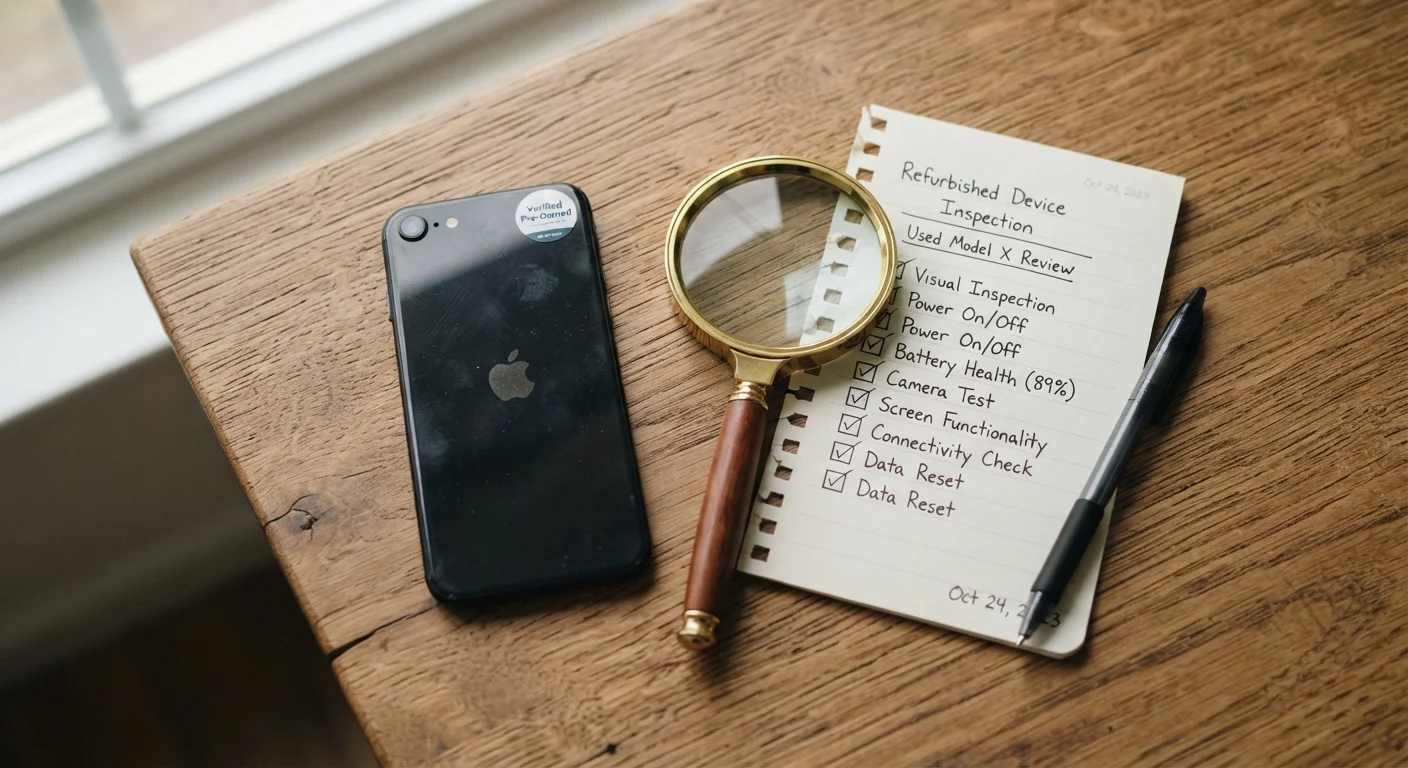
A used smartphone on a wooden table with a magnifying glass and checklist notepad nearby

Key Takeaways

  • Always verify a phone's IMEI number before purchasing to confirm it isn't reported lost or stolen.
  • Battery health below 80% is a red flag that replacement costs may be just around the corner.
  • Carrier locks can prevent a phone from working on your network — confirm unlock status first.
  • "Refurbished" means different things from different sellers; ask specifically who performed the work.
  • A factory reset performed by you — not the seller — is the safest way to start fresh on a secondhand phone.
20–45 min

Summary

22 items · 20–45 minutes

Why Secondhand Phones Deserve Extra Scrutiny

Buying a used or refurbished phone can be a smart move — you often get capable hardware at a fraction of the original price. But unlike buying new, you inherit the device's history: its battery cycles, its bumps, and sometimes its baggage. A phone that looks fine in photos can arrive blacklisted, carrier-locked, or hiding a cracked display beneath a screen protector.

This checklist walks you through everything worth confirming before you hand over payment. It applies whether you're buying from a private seller, an online marketplace, or a retailer selling certified refurbished devices. If some of the terminology feels unfamiliar, our cell phone glossary breaks down terms like IMEI, carrier lock, and eSIM in plain language.

Identity & Blacklist Status

Obtain the phone's IMEI number (dial *#06# or find it in Settings > About) and run it through a reputable IMEI checker to confirm it isn't reported lost, stolen, or blacklisted. Must
Verify that the IMEI on the box, the settings screen, and any paperwork all match — mismatches are a major red flag. Must
Confirm the device is not currently enrolled in a device management (MDM) profile, which can restrict your use — check under Settings > General > VPN & Device Management (iOS) or equivalent. Must

Carrier Lock & Compatibility

Ask the seller directly whether the phone is carrier-unlocked, and test with your own SIM card before finalizing the purchase. Must
Cross-reference the phone's supported network bands against your carrier's frequency requirements to ensure strong coverage in your area. Must
If the phone supports eSIM and you plan to use that feature, confirm eSIM has not already been used and locked to a previous carrier account. Should

Battery Health

On iPhones, check Settings > Battery > Battery Health & Charging — aim for 80% maximum capacity or higher; lower figures mean shorter time between charges. Must
On Android phones, use a trusted diagnostic app or the built-in hidden battery menu (accessible via dialer codes on some models) to assess cycle count and capacity. Must
Factor potential battery replacement costs into your offer price if health is below 80%. Should

Screen & Physical Condition

Inspect the screen at full brightness for dead pixels, discoloration, burn-in (especially on OLED panels), or unresponsive touch zones. Must
Remove any screen protector before completing the purchase to check for cracks or chips hidden underneath. Must
Check all physical ports (charging port, headphone jack if present) and buttons for responsiveness and debris. Should
Examine the frame and back panel for significant dents or damage that might indicate the phone was dropped or submerged. Should

Camera, Speakers & Sensors

Open the camera app and test all lenses (wide, ultrawide, telephoto) in both photo and video modes; look for focus issues, lens fog, or sensor artifacts. Must
Play audio through the speakers at high volume and test the microphone with a voice memo to catch buzzing, crackling, or distortion. Should
Test biometric sensors — Face ID, fingerprint reader — to confirm they recognize and authenticate correctly. Should

Software & Account Integrity

Confirm the previous owner's Apple ID (Activation Lock) or Google account has been fully removed before you take possession of the device. Must
Check that the operating system is a current, officially supported version and that software updates are available — unsupported OS versions receive no security patches. Must
After purchase, perform a factory reset yourself to wipe any remaining data, apps, or configurations from the previous owner. Must
Verify the phone was not purchased from a country with a different regional software variant that could affect features or update availability. Nice to have

Seller & Documentation

If buying "certified refurbished," ask specifically who inspected and repaired the device — manufacturer programs differ significantly from third-party resellers. Must
Request any remaining warranty documentation or confirm the return policy window in writing before completing payment. Should
For private sales, avoid paying with methods that offer no buyer protection, such as wire transfers or gift cards. Must

Tools You'll Need for the Inspection

You don't need specialized equipment — most of these checks happen on the phone itself or through free online tools. Having the right resources handy before you meet a seller (or receive a shipment) keeps the process efficient.

Required

IMEI Checker (online)

Verify that the phone's IMEI isn't blacklisted, reported stolen, or flagged by a carrier.

Required

Your carrier's SIM card

Test whether the phone is truly unlocked and compatible with your network before purchase.

Optional

Battery diagnostic app (Android)

Read battery health data on Android devices that don't surface it natively in Settings.

Optional

Bright flashlight

Illuminate ports, speakers, and physical edges to spot hidden damage, debris, or corrosion.

"Refurbished" Is Not a Standardized Term

A phone described as "refurbished" by a manufacturer went through a defined inspection and repair process. The same word from a third-party seller may mean little more than a wipe and repackage. Always ask what specific tests were performed, what parts (if any) were replaced, and whether any warranty is included. When in doubt, treat it as a used phone and apply this full checklist.

After You've Confirmed the Basics

Once the phone passes inspection, your work isn't quite done. Before loading personal accounts and apps, perform a full factory reset yourself — even if the seller claims it was already wiped. This ensures no residual accounts, tracking apps, or data from the previous owner remain on the device.

From there, setting up strong security habits from day one is worth the effort. Our guide on cell phone security habits covers screen locks, app permissions, and how to protect yourself on public Wi-Fi — all especially relevant when starting fresh with a secondhand device.

Activation Lock Can Brick Your Purchase

If an iPhone is still linked to the previous owner's Apple ID, you will not be able to activate or use it — even after a factory reset. This is Apple's Activation Lock and it cannot be bypassed without the original owner's credentials. Always confirm the Apple ID is removed and the phone activates normally before completing any payment. The equivalent on Android is Google's Factory Reset Protection (FRP), which presents the same problem.

If you're on the other side of this transaction and figuring out what to do with your current phone, our trade-in vs. private sale breakdown can help you decide which route makes the most sense for your situation.

Tech & Electronics Editorial Team is the collective byline for our editorial team and contributor network. Articles published under this byline or an editorial pen name are researched, written, and reviewed according to our editorial standards for clarity, consistency, and independence before publication.

View all articles by Tech & Electronics Editorial Team →
Disclaimer: The content on this site is for informational purposes only and is not a substitute for professional advice. Always consult a qualified professional for guidance specific to your situation.